

Wave Rider EA MT5 v5.61: No DLL – Build 6140+ | Unlimited
Original price was: $249.00.$19.99Current price is: $19.99.
TopBottomEA MT4 V1.31 No DLL: Build 1420+ | Unlimited
Original price was: $598.00.$19.99Current price is: $19.99.
Neuro Poseidon MT4: Indicator / No DLL – Build 1474+
Original price was: $299.00.$19.99Current price is: $19.99.
Neuro Poseidon MT4 is a trading signal indicator developed by Daria Rezueva for MetaTrader 4. It displays confirmed buy and sell signals on the chart along with adaptive take-profit and stop-loss levels. The indicator claims to be 100% non-repainting and works on any asset or timeframe. It includes popup and push notification alerts so you do not need to watch the screen constantly. A free Assistant module is available to automate the signals. It is positioned as a beginner-friendly decision-support tool for MT4 and MT5 users.
Did you like this product? Add to favorites now and follow the product.
Description
Neuro Poseidon MT4 Review – My Honest Explanation
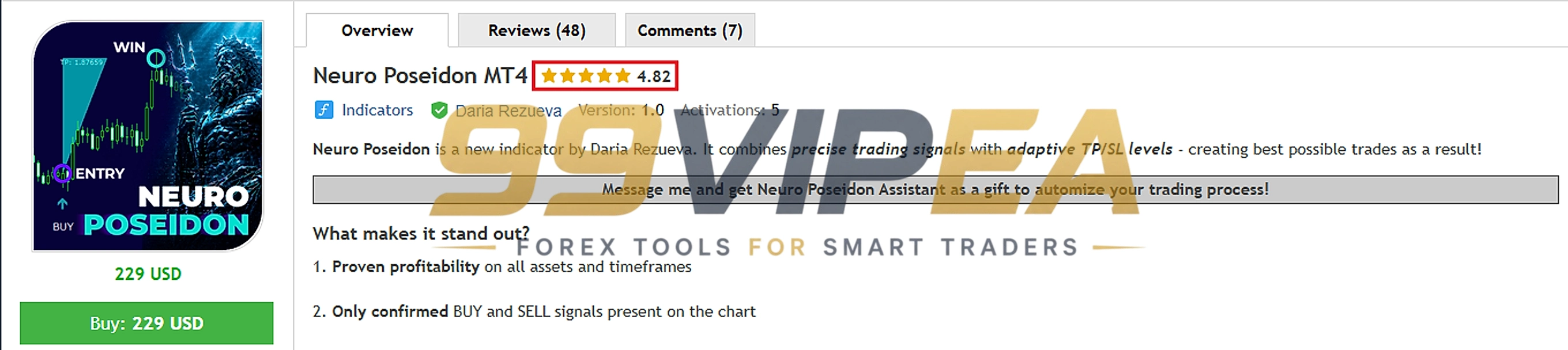
The Neuro Poseidon MT4 is a signal indicator developed by Daria Rezueva for MetaTrader 4. I tested this indicator across multiple currency pairs and timeframes to see how its signals performed. It displays confirmed buy and sell arrows on the chart along with suggested take-profit and stop-loss levels. The indicator works on any asset and any timeframe. There is no minimum deposit since it is an indicator, not an EA. You install it on your MT4 chart and wait for alerts. A free Assistant module is available upon purchase to convert signals into automated trades. The current price is 229 USD.
Vendor – MQL5 | More Update & Free EA – Telegram Channel
Neuro Poseidon MT4 Live Result
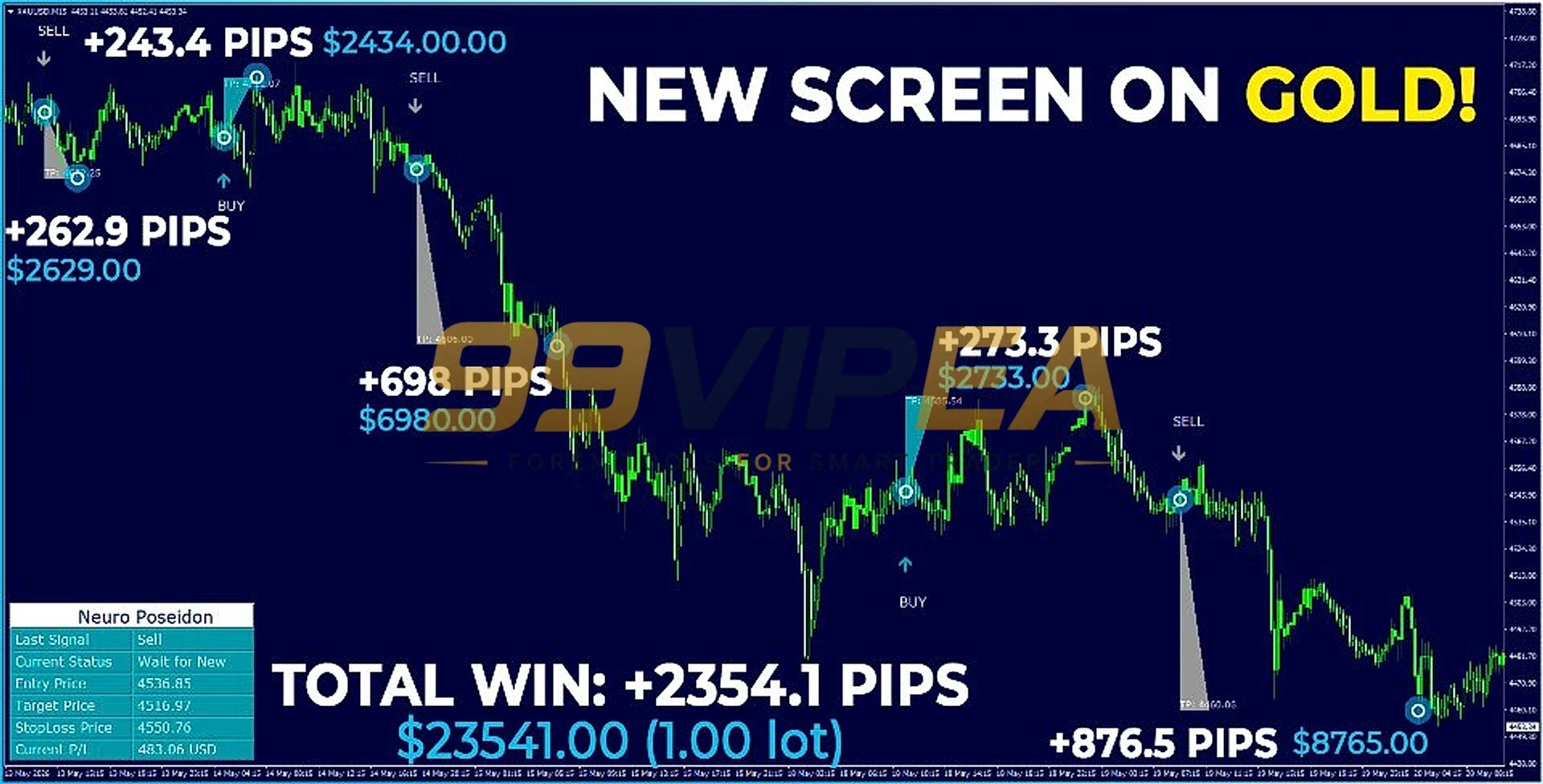
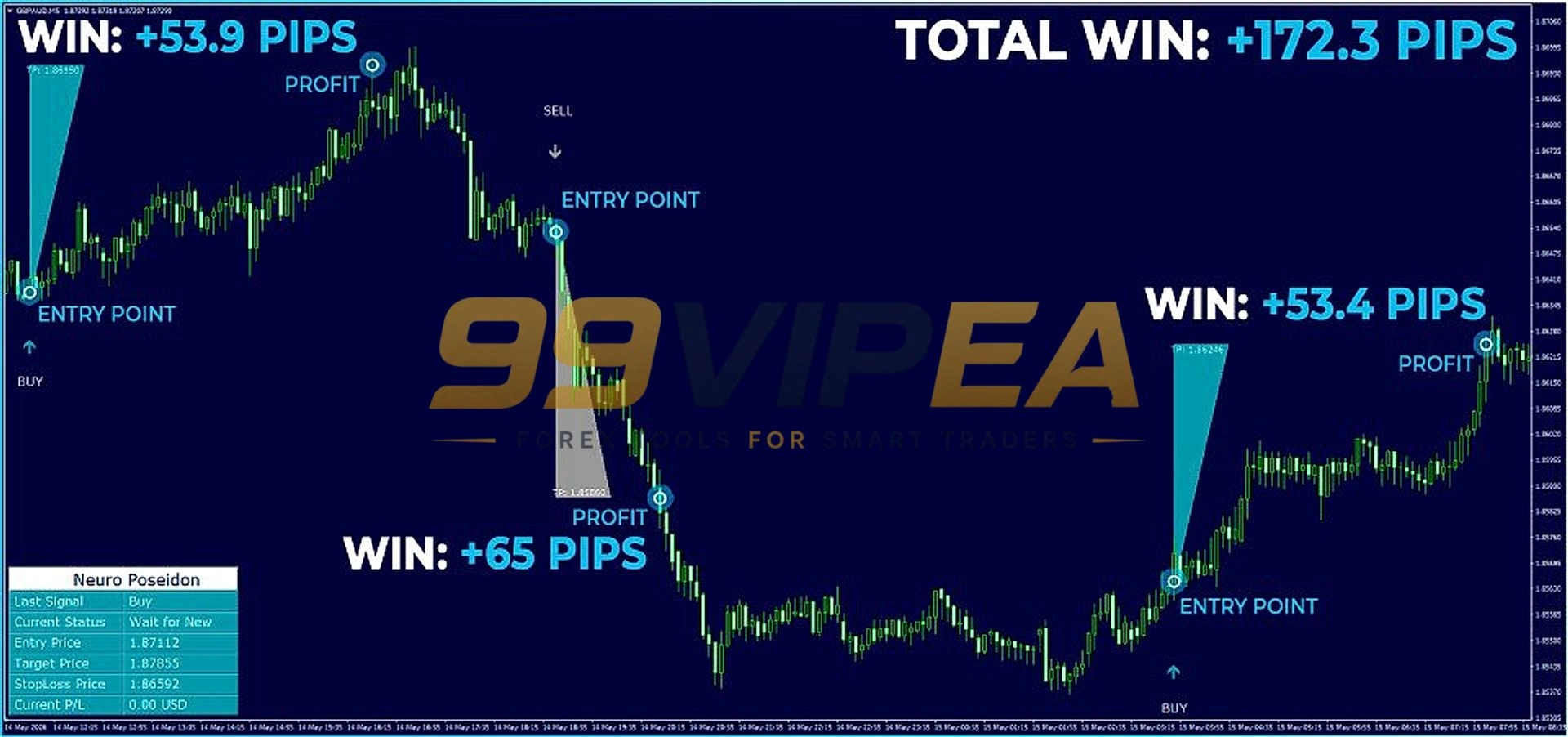
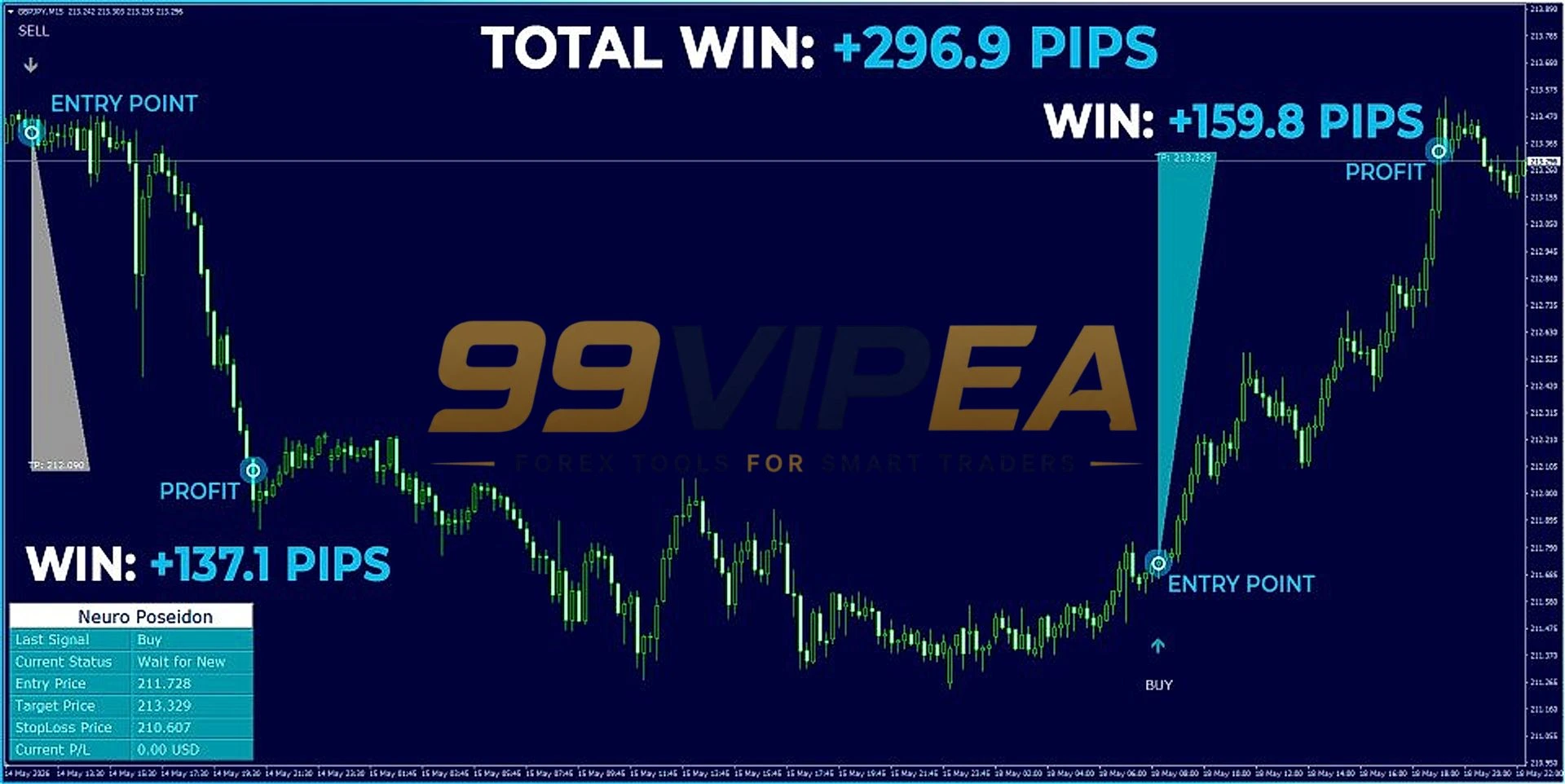
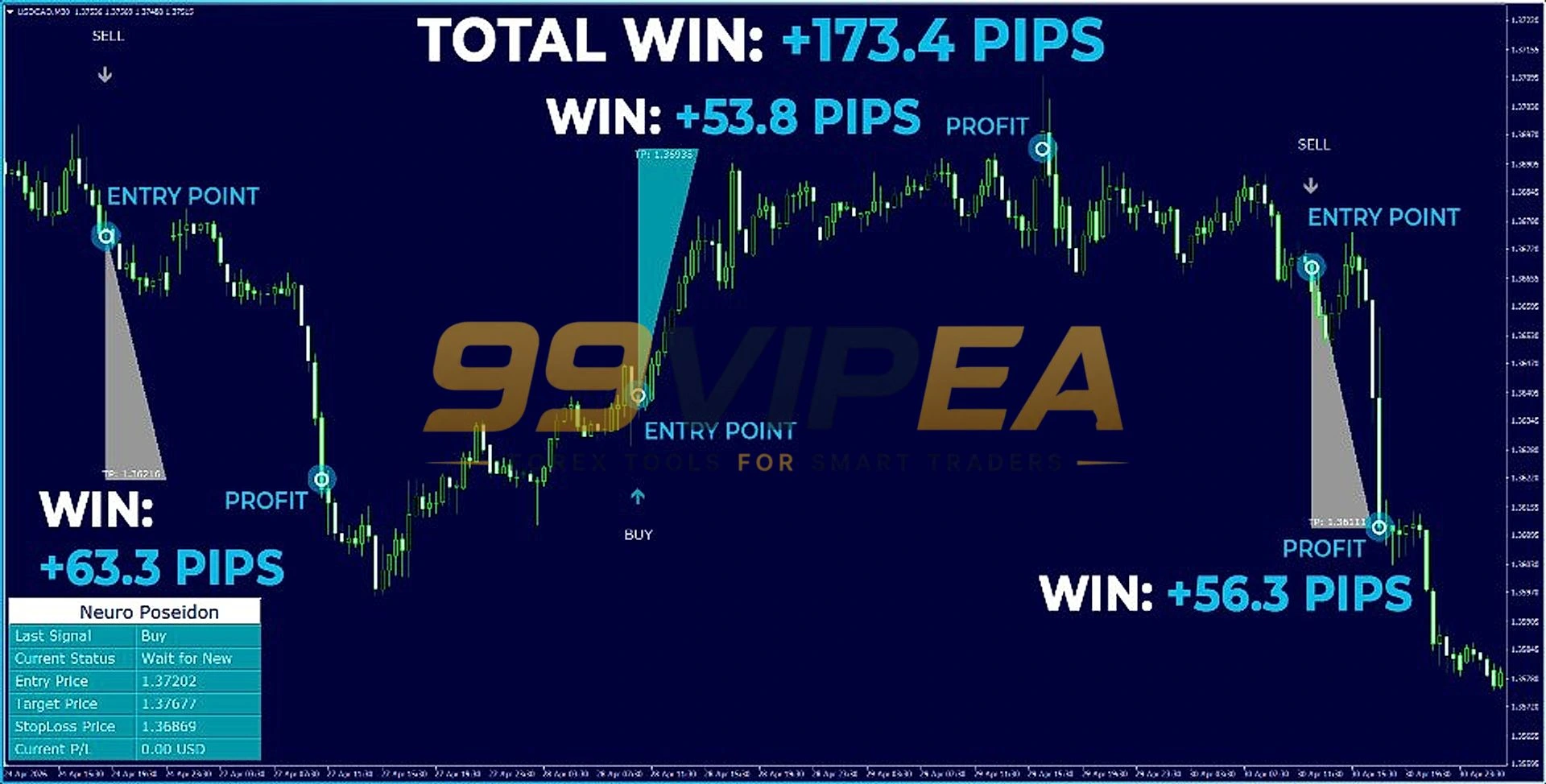
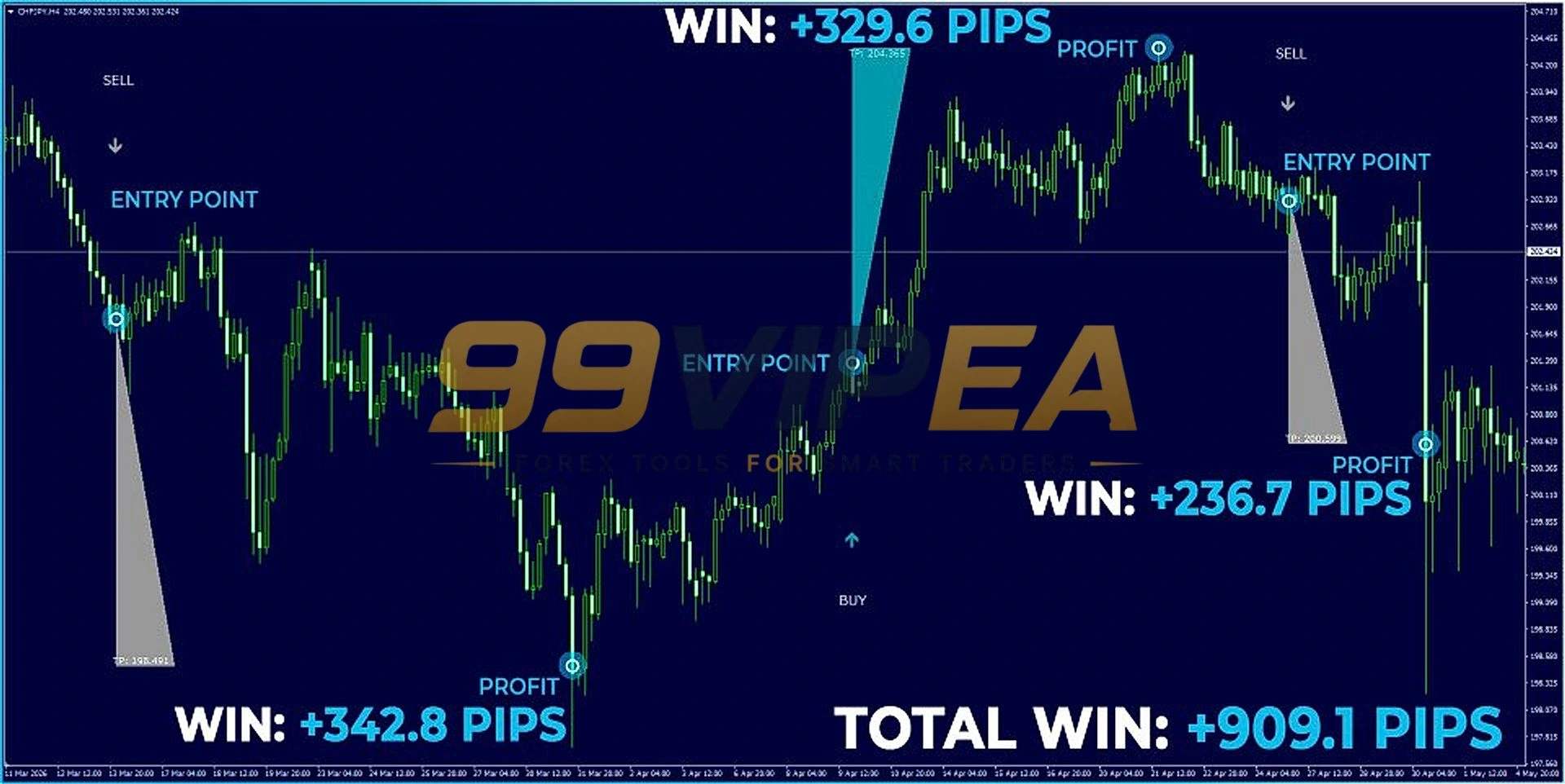
No verified live signal link was provided for this indicator, so I cannot independently confirm its real-time performance. The official MQL5 product page displays profit screenshots showing wins of +173.4 pips, +2354.1 pips on Gold, and +909.1 pips on silver. However, these screenshots are marketing materials and I was not able to verify them against a tracked account. Without a Myfxbook or live signal link, the actual performance of this indicator remains unverified. I encourage you to test it on a demo account before committing real funds.
1. Neuro Poseidon MT4 Results
Key Features
• Confirmed Buy and Sell Signals – Displays buy and sell arrows only after signal confirmation
• Adaptive TP and SL Levels – Generates suggested take-profit and stop-loss levels for each trade
• 100% No Repaint – Signals are stated to remain fixed after appearing on the chart
• All Assets and Timeframes – Works on forex, metals, indices, and crypto on any timeframe
• Popup Sound Alerts – Alerts you when a new signal is generated so you never miss an entry
• Push Notifications – Sends signals directly to your MT4 mobile app
• Beginner-Friendly Interface – Clean chart display with straightforward buy and sell markers
• Prop Firm Compatible – Can be used on prop firm accounts without violating rules
• Free Assistant Module – Optional automation tool included at no extra cost with purchase
• Direct Developer Support – Access to the creator Daria Rezueva for setup assistance
Pros / Cons
Neuro Poseidon MT4 Pros:
• Clean and easy-to-read chart signals
• Adaptive TP and SL levels included with each signal
• No repaint claim makes signals reliable for decision-making
• Works on any asset and timeframe
• Push notifications for mobile trading
• Active developer with direct support
Neuro Poseidon MT4 Cons:
• No verified live signal available for independent review
• Multiple user reports of inconsistent signal quality
• Negative reviews claim signals performed poorly on gold
• The free Assistant module introduces martingale and grid logic
• Signal accuracy varies significantly across timeframes
• No refund policy mentioned on the MQL5 product page
Who Can Use This
This indicator suits traders who want a simple visual signal tool and are willing to test it thoroughly on a demo account first. It works best for those who value adaptive TP and SL suggestions and prefer a clean chart layout. It is ideal for beginners who want decision support without complex settings. It also fits traders who want mobile push notifications for signals. Finally, it works for MT4 and MT5 users who are comfortable filtering signals with their own analysis.
• Beginner traders who want visual signal support
• MT4 and MT5 users
• Traders who want push notifications on mobile
• Prop firm traders who need a signal tool
• Those willing to test on demo before going live
How to Install Neuro Poseidon MT4
1. Purchase and download the Neuro Poseidon MT4 indicator.
2. Open MetaTrader 4 and go to File > Open Data Folder.
3. Place the indicator file in the MQL4 > Indicators folder.
4. Restart MT4 and drag Neuro Poseidon from the Navigator onto your chart.
5. Wait for buy or sell signals to appear and set alerts in the indicator settings.
Setup & Support – Steven A (Owner Of 99vipea.com)
Risk Disclaimer
Trading foreign exchange and CFDs carries a high level of risk and may not be suitable for all investors. Past performance does not guarantee future results. Signal indicators are decision-support tools and do not guarantee profitable trades. The profit screenshots shown are marketing materials and should not be taken as representative of future outcomes. You should never trade with money you cannot afford to lose. Always test any indicator on a demo account before using real funds. The developer and reviewer are not responsible for any trading losses incurred.
Final Verdict
The Neuro Poseidon MT4 is a cleanly designed signal indicator with a beginner-friendly interface and useful features like adaptive TP/SL levels and push notifications. The no-repaint claim and all-asset compatibility make it appealing on paper. However, the lack of a verified live signal is a significant drawback. Without independent tracking, the profit screenshots on the sales page cannot be relied upon. User reviews are sharply divided, with some praising the signals and others reporting consistent losses. If you want a simple visual signal tool and are willing to test it extensively on a demo account, it may be worth considering. But do not expect it to be a magic solution. Test first, trade small, and always use your own judgment.
Upgrade your trading setup without overpaying. Whether you need fully automated Expert Advisors for MT4 or MT5, reliable custom indicators, Myfxbook-verified algorithms, or conservative low-drawdown strategies to protect your capital, we offer institutional-grade tools built for real market conditions at a fraction of the cost-all tested and reviewed by Steven A. Select your category above and start trading smarter today!
Reviewed By – Liam N
The developer states it works on all assets and all timeframes, including forex, metals, indices, and crypto. However, user reviews suggest results vary significantly across different pairs and timeframes. Test on your preferred market before going live.
The developer claims 100% no repaint, meaning signals remain fixed after appearing. Some user reviews support this, while others report signals disappearing or becoming idle. Verify this yourself on a demo account.
The indicator generates suggested take-profit and stop-loss levels for each signal based on its internal algorithm. The exact calculation method is not publicly disclosed. You can use these levels as reference points for your trades.
The indicator itself does not trade automatically. However, the developer offers a free Assistant module upon purchase that can convert signals into automated trades. Note that the Assistant introduces martingale and grid logic, which carries additional risk.
The MQL5 product page does not mention a free trial or refund policy. It is recommended to test the indicator thoroughly on a demo account before purchasing if possible, though a demo download option may be available.
Reviews are mixed. Many users praise the clean interface and easy setup. However, several negative reviews report poor signal quality, signals not appearing at the right time, and losses on gold trades. One user stated that reversing the signals would have been profitable.
Gann SQ9 MT4 Indicator Review – My Honest Explanation
The Gann SQ9 MT4 indicator brings W.D. Gann's legendary Square of 9 methodology directly to your MetaTrader 4 charts. It automatically calculates and plots key support and resistance levels based on the Gann square, removing the need for manual calculations. Whether you trade forex, commodities, or indices, this tool helps you identify potential reversal zones and optimize your entry and exit points. Suitable for both beginner and experienced traders.

Related products


Recently Viewed Products



Neuro Poseidon MT4: Indicator / No DLL – Build 1474+
Original price was: $299.00.$19.99Current price is: $19.99.
99VIPEA – Trusted Forex Solutions.
Unlock premium Forex Expert Advisors, indicators, and trading tools designed to help traders automate strategies and trade with confidence.
Copyright 2026 © 99vipea.com. Powered by 99VIPEA.

Reviews
There are no reviews yet.