

My AI Gold MT5 : No DLL Build 6231+ | Unlimited Free update
Original price was: $699.99.$60.00Current price is: $60.00.
Akali EA MT5 v1.41 + SetFiles | No DLL – Build 6202+
Original price was: $199.00.$29.99Current price is: $29.99.
Aikon MT5 v8.25 : EA/No DLL – Build 6230+ | Unlimited
Original price was: $1,097.97.$50.00Current price is: $50.00.
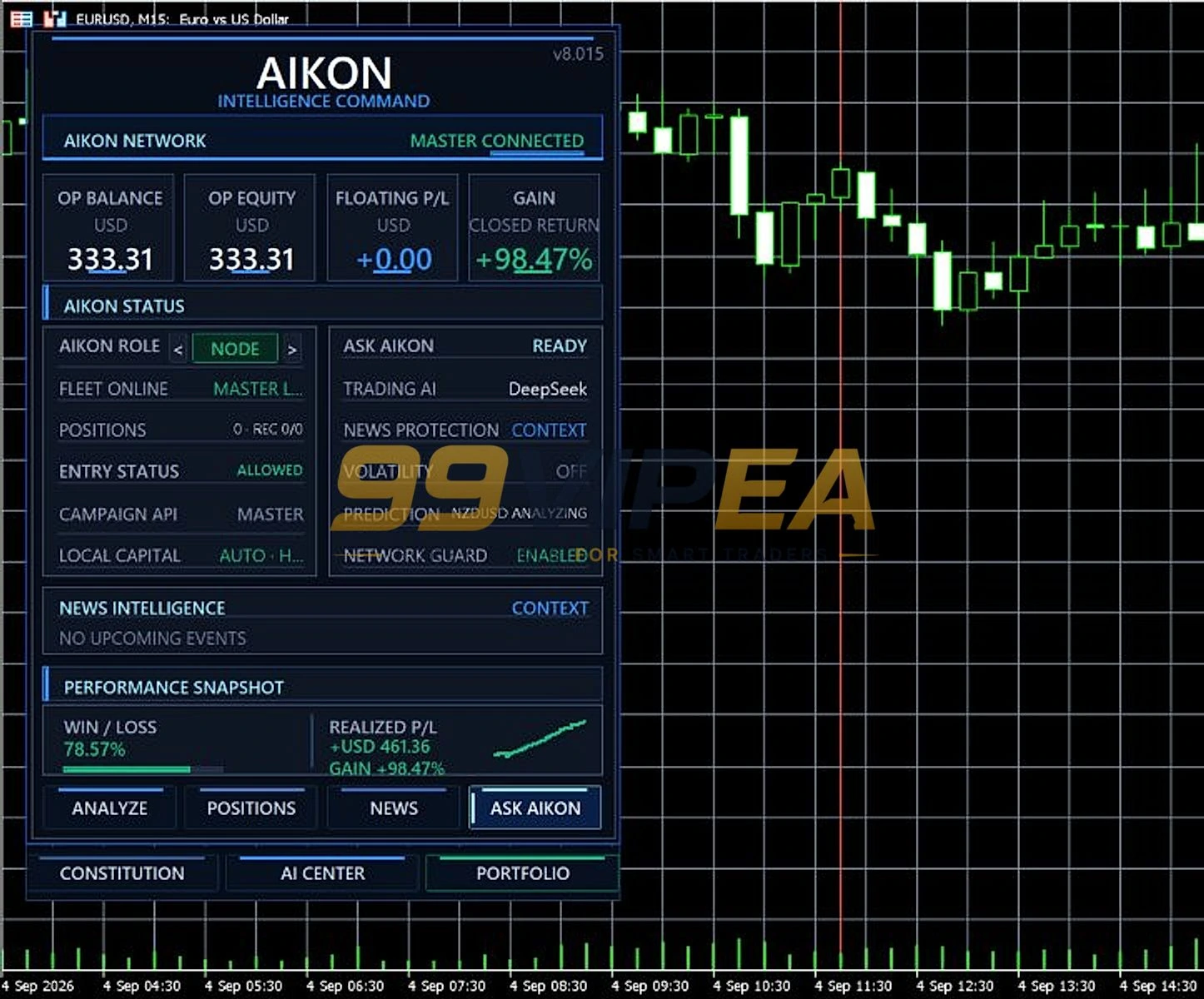
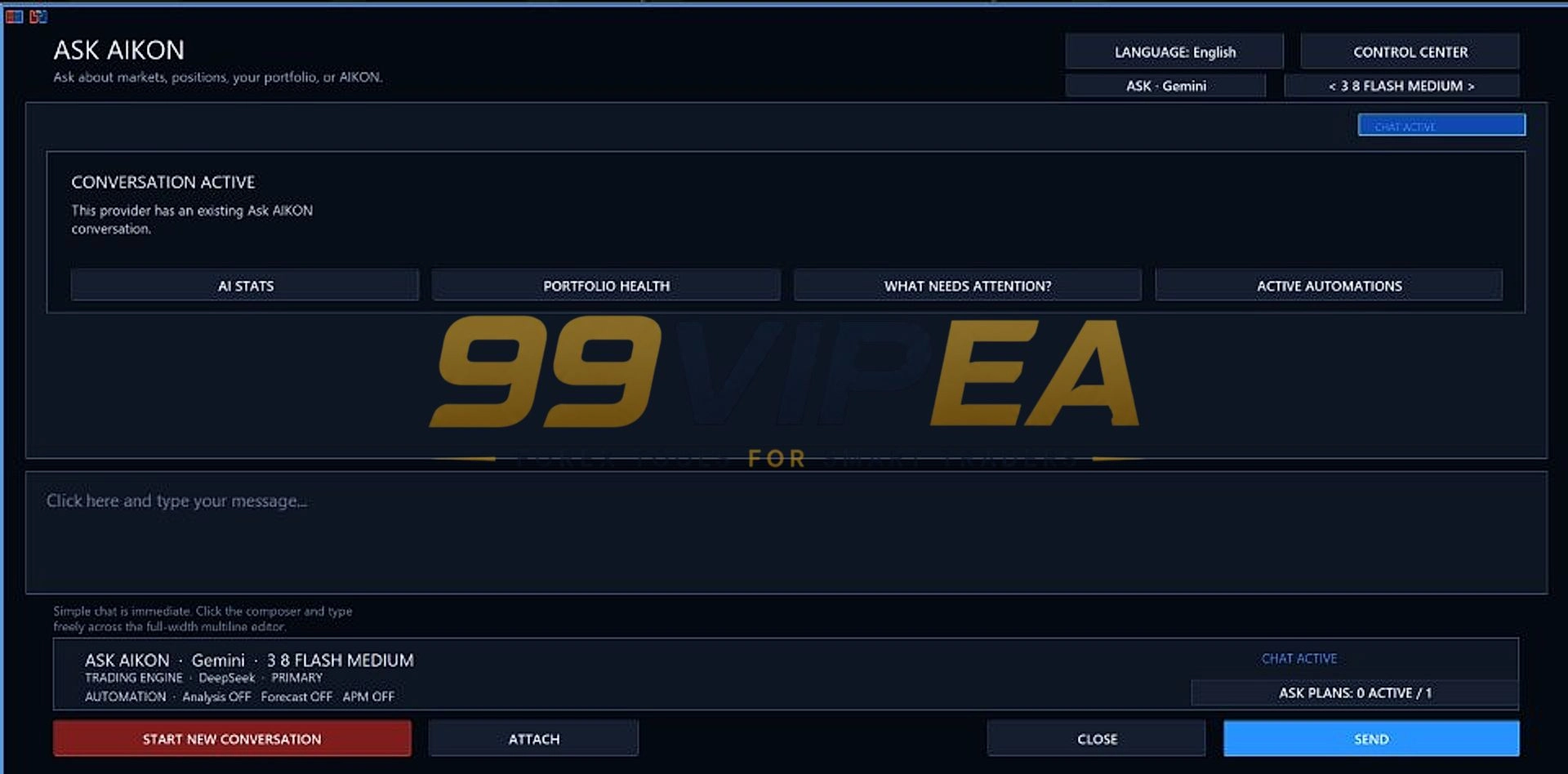
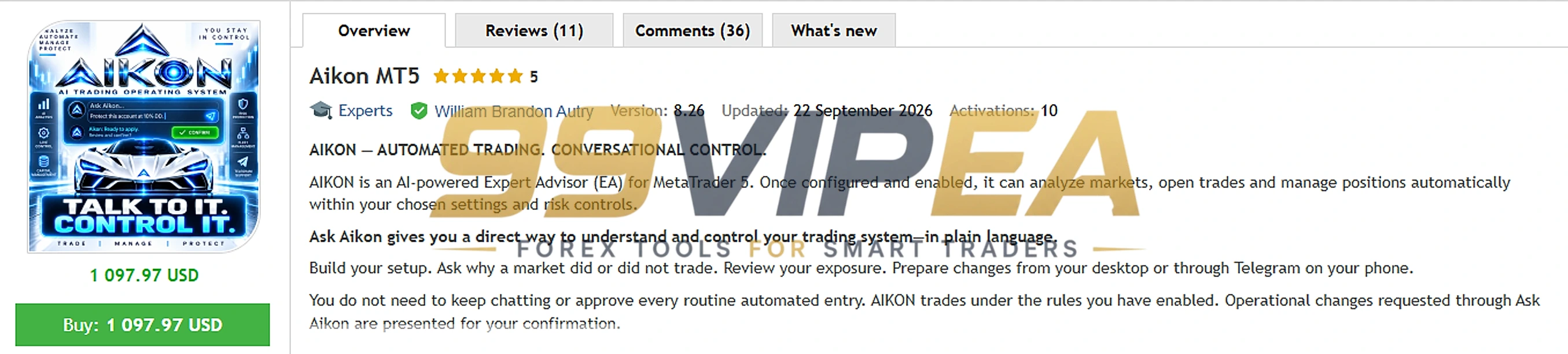
Aikon MT5 is an AI-powered Expert Advisor for MetaTrader 5 that changes how you interact with automated trading. Instead of tweaking endless settings, you talk to it. The Ask Aikon interface lets you ask questions about your account, prepare changes, and confirm actions in plain language. It supports multiple AI providers like DeepSeek and OpenAI. You can run it on one account or connect a fleet of accounts through its Master/Node architecture. This review covers how it works, what it costs, and whether it lives up to the hype.
Did you like this product? Add to favorites now and follow the product.
Description
Aikon MT5 Review – My Honest Explanation
The Aikon MT5 by William Brandon Autry is not a typical Expert Advisor. I tested this AI-driven system on MetaTrader 5 and it feels like operating a trading desk rather than running a robot. It trades across multiple symbols, including major Forex pairs and Gold, and you can let the AI choose instruments for you with the AIKON CHOOSES mode. There is no fixed minimum deposit stated by the developer, but AI features require your own API key from providers like DeepSeek or OpenAI, which adds a separate running cost.
The core idea is simple. You describe what you want, and Aikon builds it, runs it, and explains what it is doing. It is a bold shift away from traditional set-files and endless menu screens.
Vendor – MQL5 | More Update & Free EA – Telegram Channel
Aikon MT5 Live Result
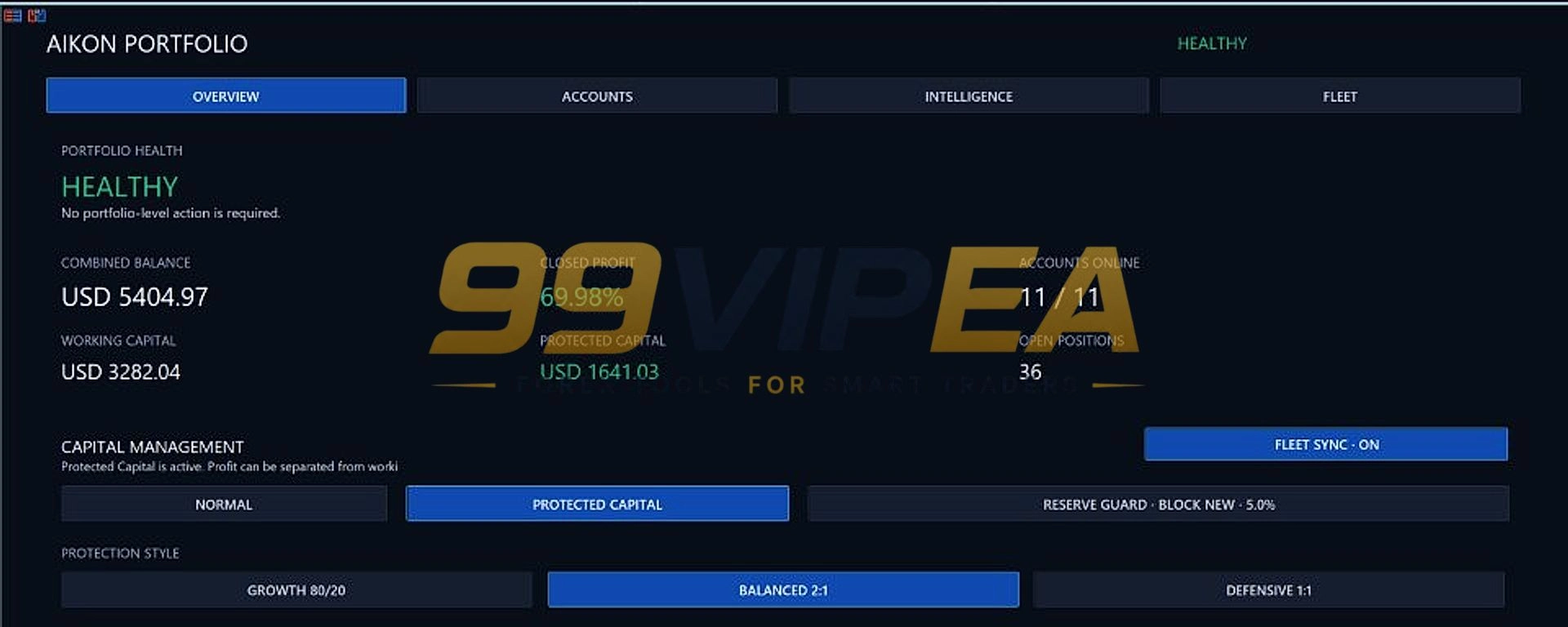
The developer provides a public portfolio snapshot through his MQL5 seller page. At the time of that snapshot, the accounts had received $4,898.89 in deposits. He had withdrawn $3,118.58, and $4,589.28 remained in equity. That puts the accounts $2,808.97 ahead, which is 57.34% of total deposited funds. Open losses were $458.26, or 9.08% of the combined $5,047.54 balance. These figures cover the full account histories, including positions opened by his previous products. The developer began transitioning to Aikon in mid-August 2026. I did not independently verify these accounts.
They are self-reported. One MQL5 user review reports 12.4% account growth in 6 days on a live account, but that is a very short window. Treat these as early indicators, not proof of long-term consistency.
1. The Aikon MT5 Results
Key Features
• Ask Aikon Conversational Control – Ask questions about positions, accounts, and settings in plain language and confirm proposed changes.
• Trading Constitution – Your standing trading and protection policy, editable directly or through conversation.
• Master/Node Fleet Architecture – Run one account or coordinate multiple accounts with shared analysis and individual settings.
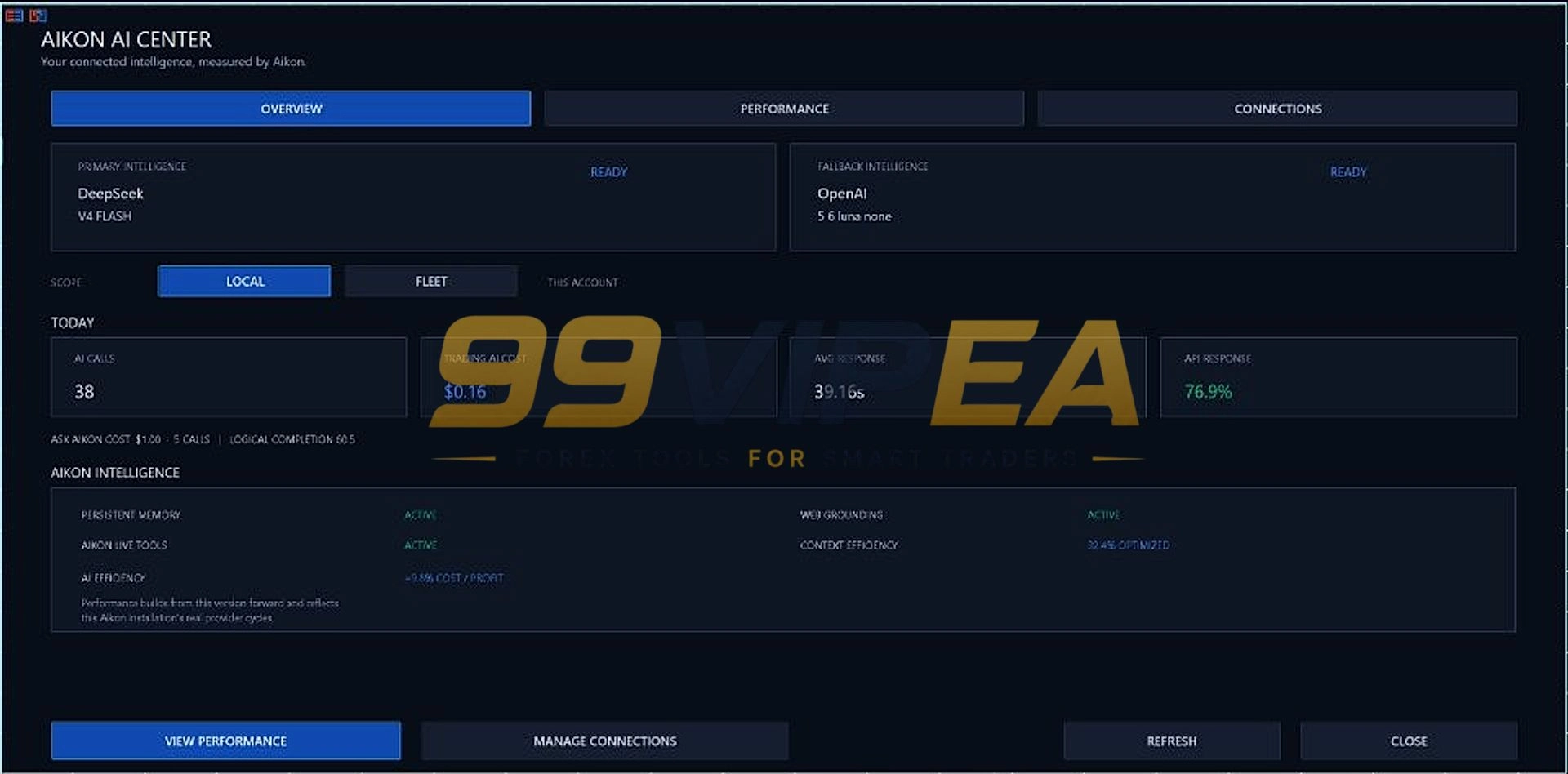
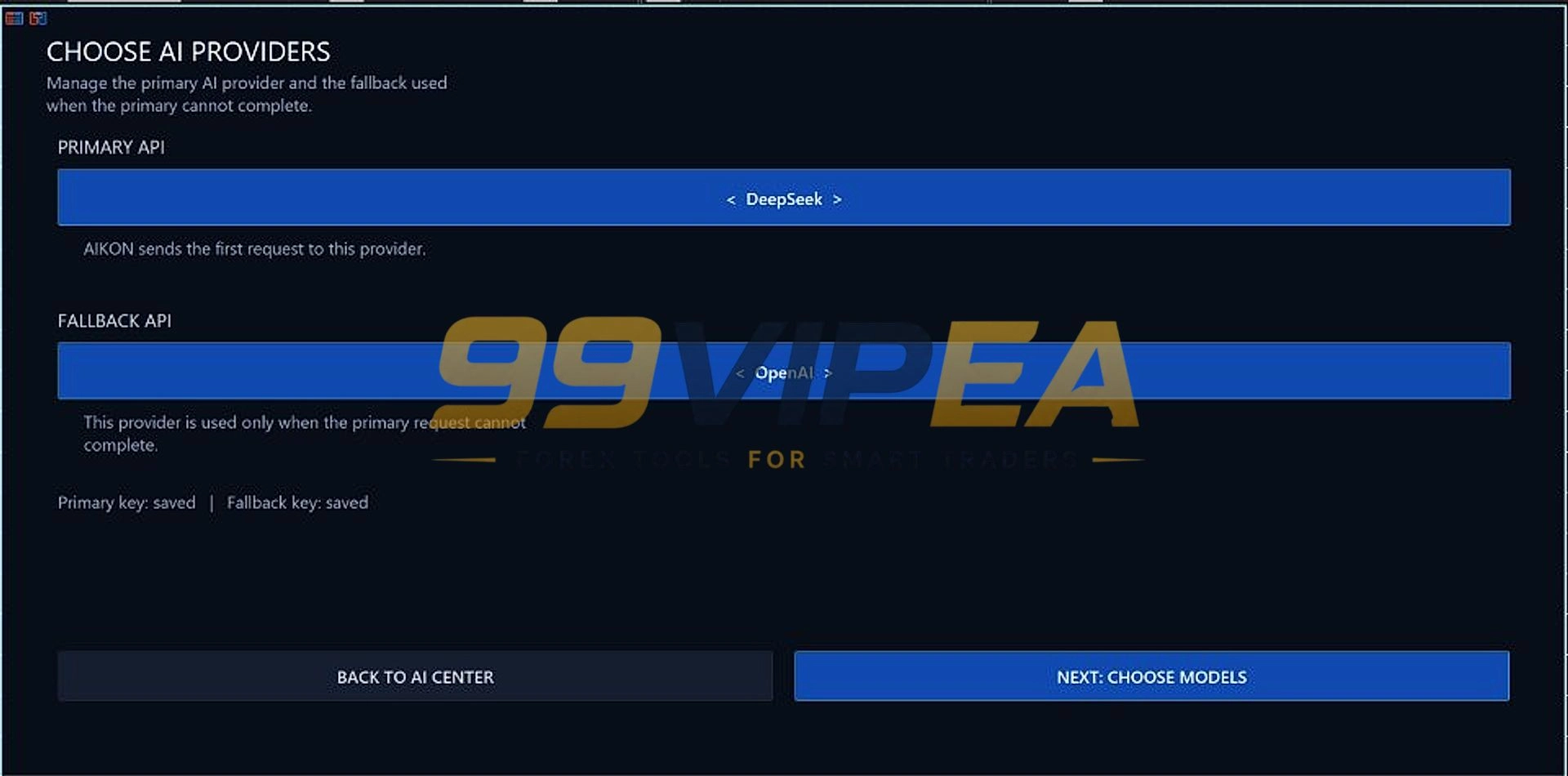
• Multiple AI Providers – Choose between DeepSeek, OpenAI, or other supported models with your own API key.
• Protected Capital & Reserve Guard – Set aside a portion of capital from normal trading and block new campaigns when needed.
• Telegram Remote Control – Check portfolio, prepare changes, and confirm operations from your phone while MT5 runs.
• No Set-Files Required – Configure entirely through buttons or conversation instead of importing configuration files.
• AI Economics Dashboard – Track AI calls, response times, tokens, and API costs inside the EA.
• Initiative & Continuity – The system proactively brings meaningful changes to your attention and remembers past concerns.
• Recovery and Single Entry Modes – Choose a simple stop-loss approach or an optional recovery campaign with defined rules.
Pros / Cons
Aikon MT5 Pros:
• Radically different user experience compared to traditional EAs.
• Conversational control lowers the learning curve for complex settings.
• Strong capital management framework with Protected Reserve and Reserve Guard.
• Active developer support and engaged community.
• Telegram integration adds genuine remote management convenience.
Aikon MT5 Cons:
• Requires your own AI API key, which adds ongoing costs.
• Needs a running MT5 terminal and stable internet for full functionality.
• Live performance data is self-reported and not independently verified.
• Netting accounts cannot use Recovery mode.
• Price increases with each tier, making early adoption more attractive.
Who Can Use This
This EA suits traders who want more control over their automated trading operation without digging through endless settings. It is best for someone who already has some MetaTrader 5 experience and is comfortable managing API keys. If you only want a simple plug-and-play robot with one symbol, Aikon may feel like too much. But if you manage multiple accounts or want an AI assistant that understands your portfolio, this is one of the few tools built for that. Beginners should start with the Quick Start profiles and a demo account. The Telegram integration is a bonus for anyone who cannot sit at their desk all day.
• Multi-account managers who want a coordinated fleet view.
• MT5 users looking for an AI-native EA experience.
• Traders who value control over blind automation.
• Developers and tinkerers who enjoy configuring AI models.
• Busy professionals who need Telegram-based remote management.
How to Install Aikon MT5
1. Purchase Aikon MT5 and download the EA.
2. Open MetaTrader 5 and place the .ex5 file in the MQL5 > Experts folder.
3. Restart MT5 and drag Aikon onto any chart.
4. Connect your AI provider by entering your API key in the AI Center.
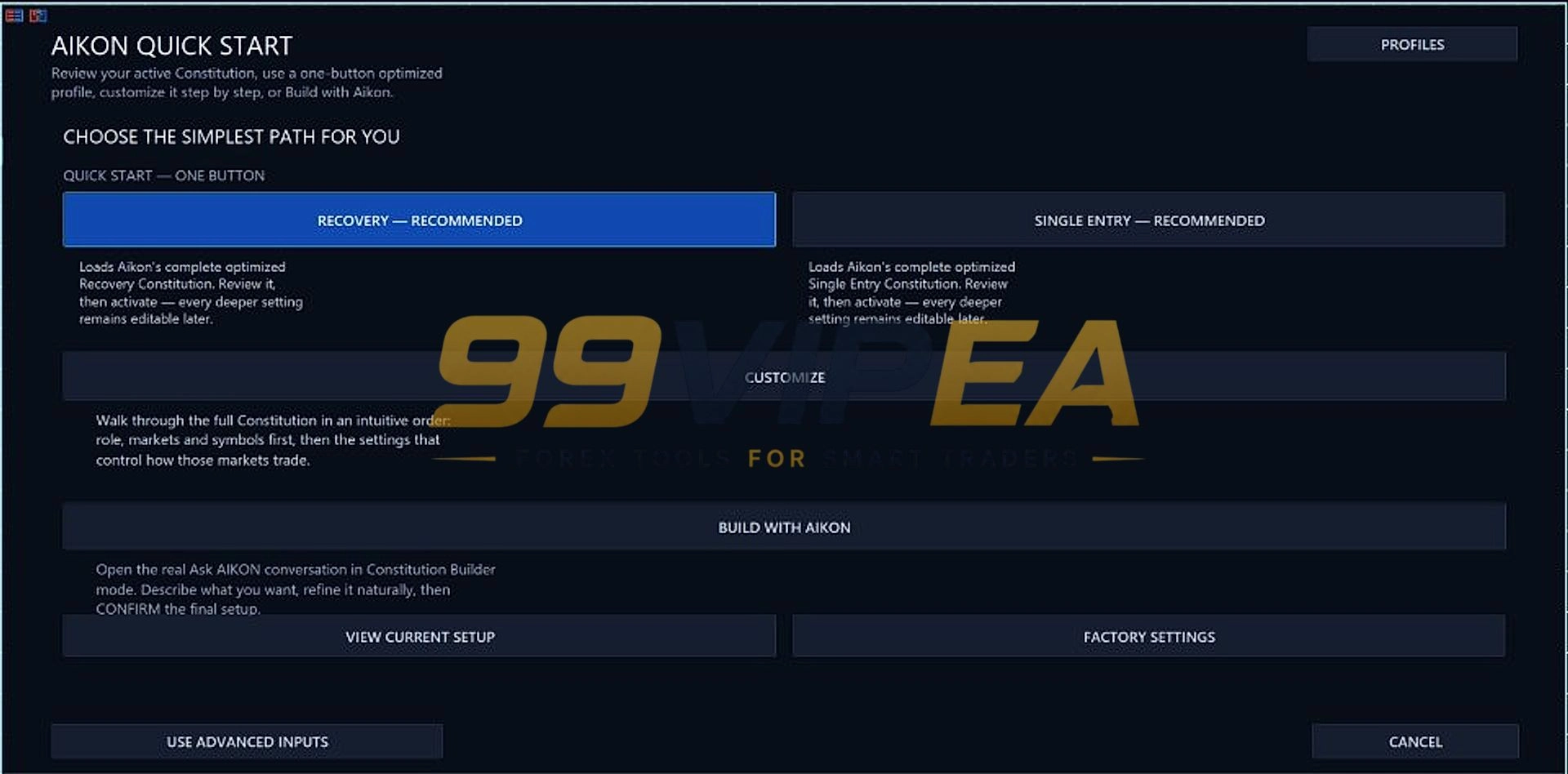
5. Run Quick Start to choose a profile, or use Ask Aikon to build your setup.
Setup & Support – Steven A (Owner Of 99vipea.com)
Risk Disclaimer
Trading forex, gold, and other instruments carries a high level of risk and may not be suitable for all investors. Past performance is not indicative of future results. Aikon MT5 does not guarantee profit and does not remove your responsibility for trading and capital decisions. External AI API charges are separate and depend on your model, settings, and market activity. Always test any EA on a demo account before going live. Never trade with money you cannot afford to lose. The results discussed in this review are based on public information and developer-provided data, not independent verification.
Final Verdict
Aikon MT5 is one of the most ambitious Expert Advisors I have reviewed. It does not just automate trades. It changes how you interact with your trading system. The conversational interface, fleet architecture, and capital management tools are genuinely different from anything else on the market. The developer is transparent about the limitations. You need your own API key, a running MT5 terminal, and patience to learn the system. The live results are promising but self-reported. If you want a traditional set-and-forget robot, this is not for you. But if you are ready for a new way to manage automated trading, and you are willing to invest time in learning it, Aikon MT5 is worth a serious look.
Upgrade your trading setup without overpaying. Whether you need fully automated Expert Advisors for MT4 or MT5, reliable custom indicators, Myfxbook-verified algorithms, or conservative low-drawdown strategies to protect your capital, we offer institutional-grade tools built for real market conditions at a fraction of the cost-all tested and reviewed by Steven A. Select your category above and start trading smarter today!
Reviewed By – Liam N
It is an AI-powered Expert Advisor for MetaTrader 5 that combines automated trading with a conversational interface called Ask Aikon. You can talk to it in plain language to inspect your account, prepare changes, and manage your trading operation.
Yes. Aikon supports multiple AI providers like DeepSeek and OpenAI, but you need to supply your own API key. External provider charges are separate from the EA purchase price.
Yes. Aikon uses a Master/Node architecture that lets you coordinate multiple connected accounts from a single interface. Each account follows its own settings and capital controls.
Netting accounts cannot run Recovery mode. FIFO and no-hedge conditions also affect execution behavior. Single Entry mode is available for netting accounts.
Yes. You can pair Aikon with Telegram to check your portfolio, ask about open positions, prepare settings changes, and confirm operations remotely. MT5 must remain running and connected.
It is your standing trading and protection policy. You can edit it directly or ask Aikon to prepare changes. It holds your continuing rules, while temporary automations handle objectives with specific conditions or end times.
The developer does not state a fixed minimum deposit. However, you need enough capital to trade the symbols and lot sizes you configure. AI features also require your own API key and internet connection.
No. The MetaTrader Strategy Tester can demonstrate mechanical behavior, but it does not execute the WebRequest connections required for live AI conversations, provider research, and Telegram operation. The full AI workflow can only be evaluated in live connected operation.

Gold Reaper MT5 v4.6 – SetFiles : XAUUSD Breakout EA
The Gold Reaper MT5 by Profalgo Limited is a breakout Expert Advisor built for XAUUSD on MetaTrader 5. It runs up to nine internal strategies, uses multiple confirmation algorithms, and includes stop loss, take profit, and trailing logic on every trade. The system adapts trade frequency and lot sizing to your account balance and maximum allowed drawdown. It is Prop Firm ready with dedicated set files. Minimum deposit starts at $300. No grid or martingale is used. This review covers live signal data, key features, setup steps, and real risks before you buy.

Dude Alpha Gold EA MT5 v1.4.2 + SetFiles | Unlimited Use
I looked into Dude Alpha Gold EA MT5, a fully automated XAUUSD Expert Advisor by Trading Dude. It has two live Myfxbook accounts with real money and a cent-account version. The standard account shows 41% gain. The cent account shows 170% gain. Here is my honest breakdown of what the live data shows, what the vendor claims, and who should be cautious.

Quantum Queen X MT5 v4.1 – No DLL | Unlimited
I tested Quantum Queen X MT5, a fully automated XAUUSD Expert Advisor by Bogdan Ion Puscasu. It runs a trend-following grid engine on gold and uses a live MQL5 signal with over 1,400 trades. The live record shows a 77% win rate and a 29% max drawdown. It is not a beginner robot and it carries real grid exposure. Here is my honest breakdown of what works, what does not, and who should stay away.

Related products

Recently Viewed Products


Aikon MT5 v8.25 : EA/No DLL – Build 6230+ | Unlimited
Original price was: $1,097.97.$50.00Current price is: $50.00.
99VIPEA – Trusted Forex Solutions.
Unlock premium Forex Expert Advisors, indicators, and trading tools designed to help traders automate strategies and trade with confidence.
Copyright 2026 © 99vipea.com. Powered by 99VIPEA.

Reviews
There are no reviews yet.